01
Shift calendar
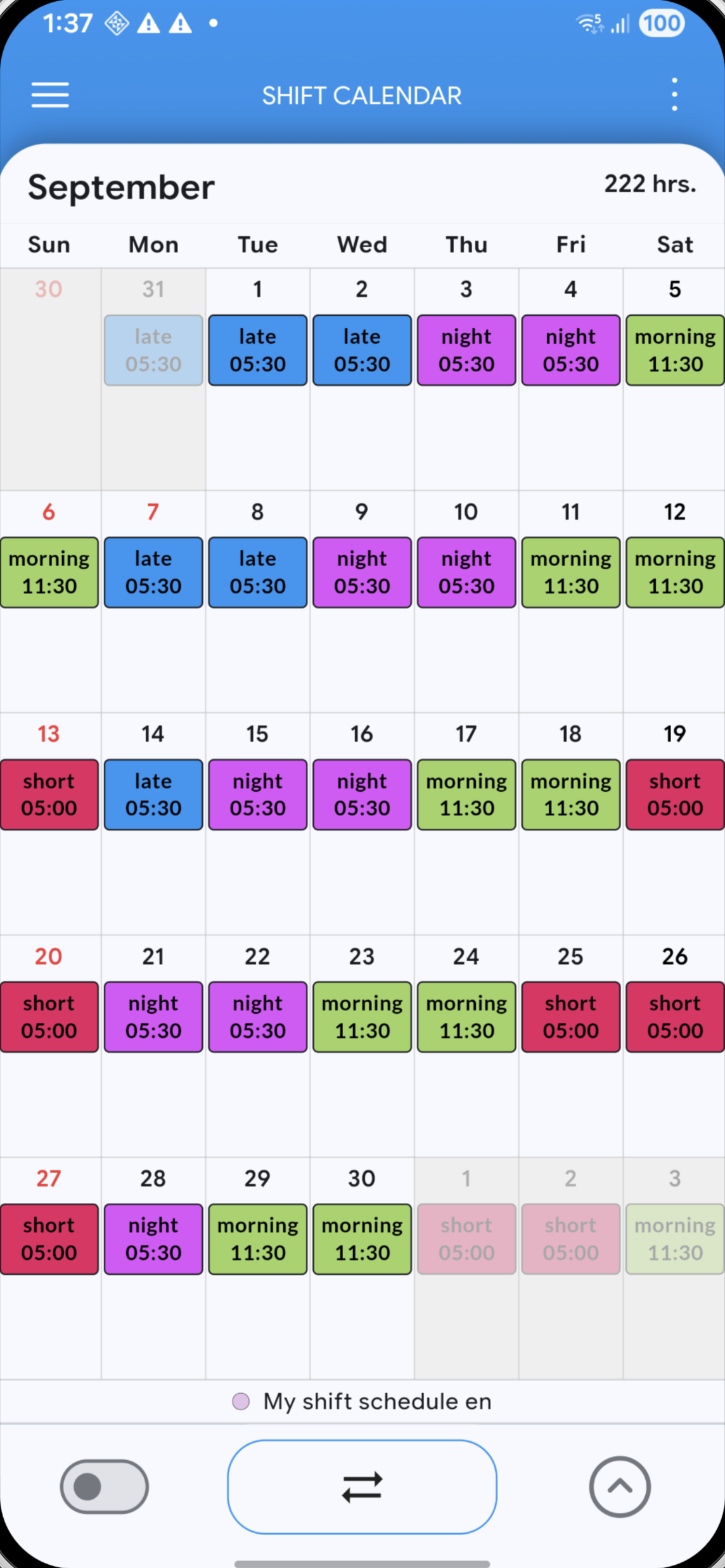
Give early, late, night and off days their own look and understand your month at a glance.
STAY ORGANIZED. STAY AHEAD.
Plan your shifts, keep track of your working hours and make room for everything else. Megashift is your everyday work calendar.


Healthcare · Emergency services · Production · Hospitality · Shift work
01 / YOUR WORK CALENDAR
From the first early shift to your next day off, keep the important parts of your schedule together.
Give early, late, night and off days their own look and understand your month at a glance.
Create reusable shift templates and repeat rotating schedules instead of entering the same pattern again and again.
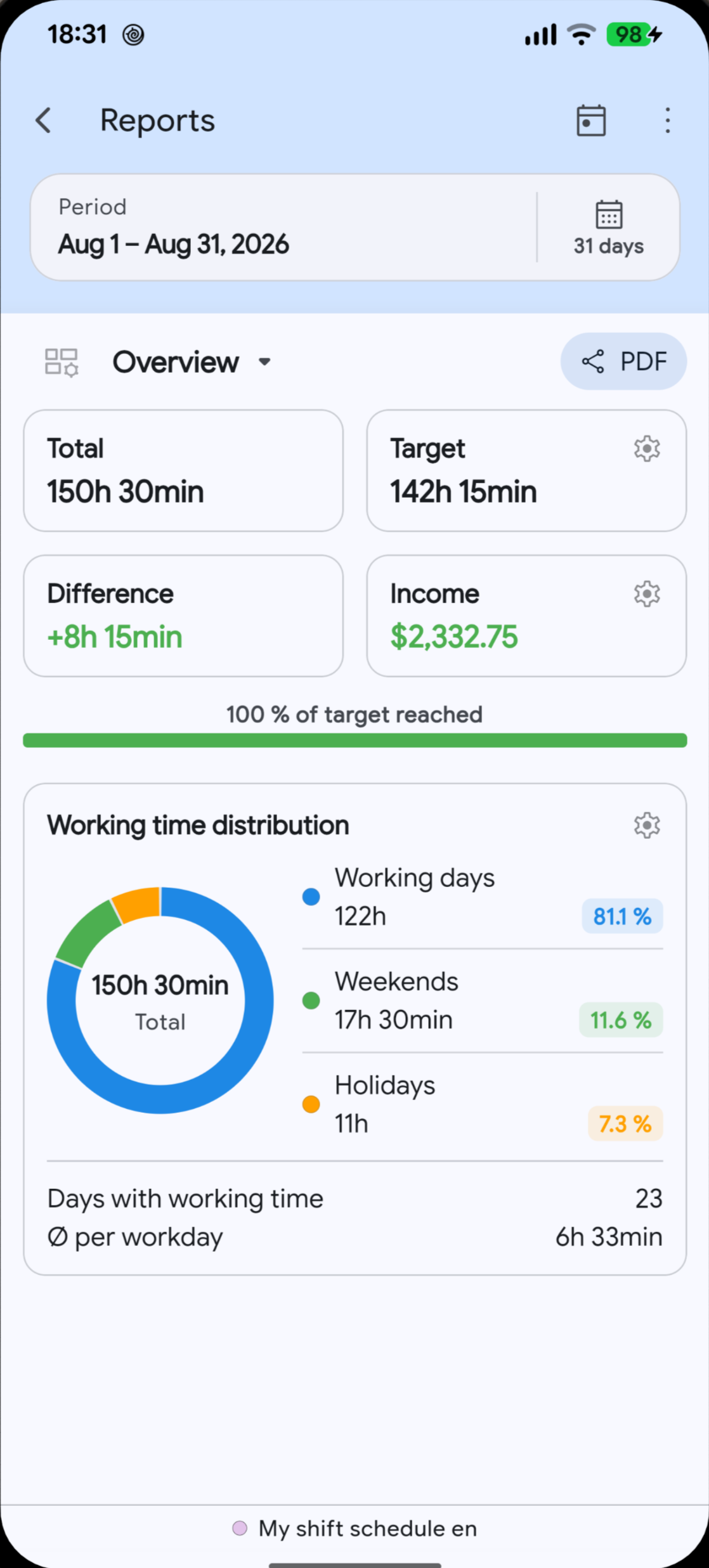
Let Megashift calculate hours from your shifts and breaks, including target/actual values and overtime.
Review shift counts, working-time distribution and longer-term trends from your own entries and settings.
Track hourly, monthly or per-shift income settings and allowances alongside your schedule.
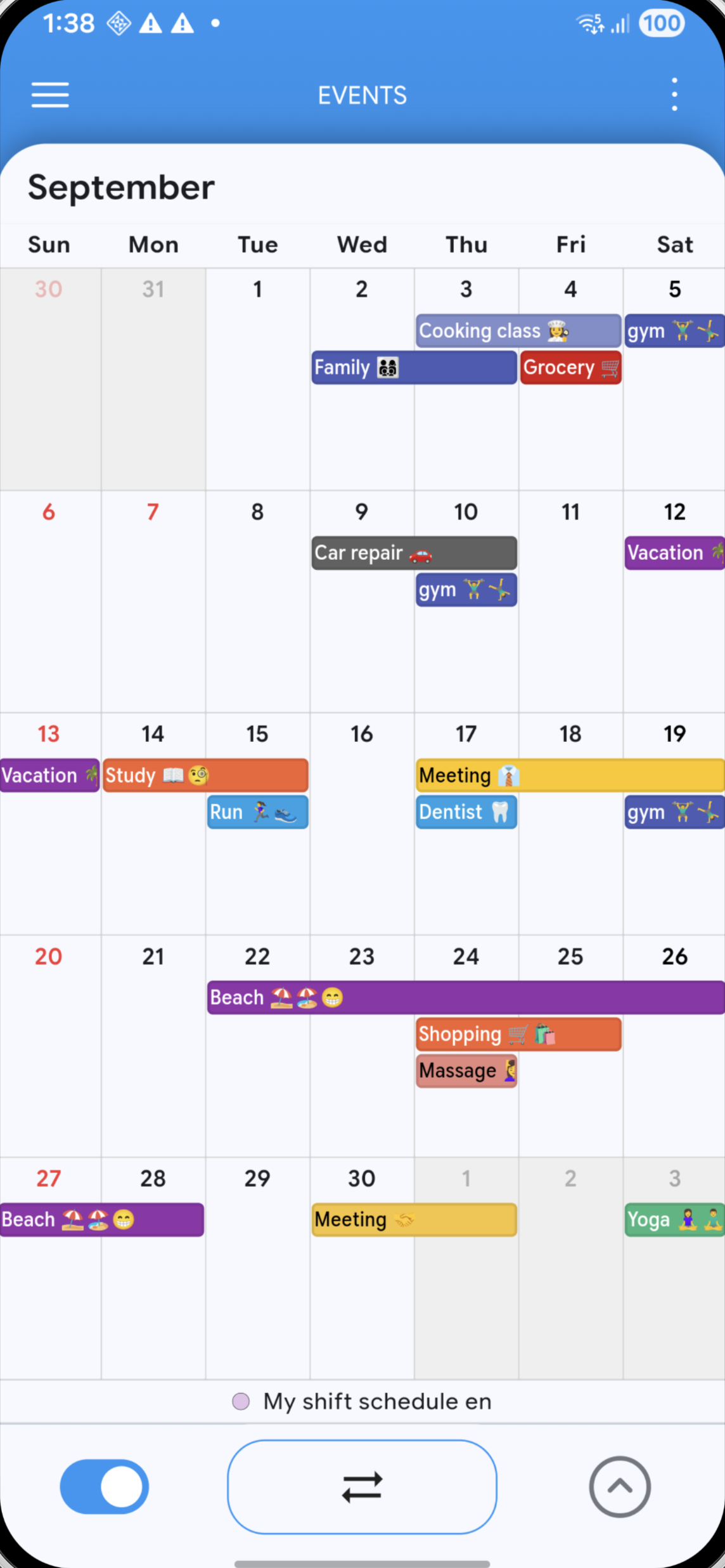
See appointments from calendars available on your device next to your work schedule.
02 / HOURS & INSIGHTS
Megashift turns the schedule you already enter into useful totals and reports.
Decimal hours calculator03 / MEGASHIFT PRO
Optional features for people who want their calendar on more devices, on paper or connected with their personal plans.
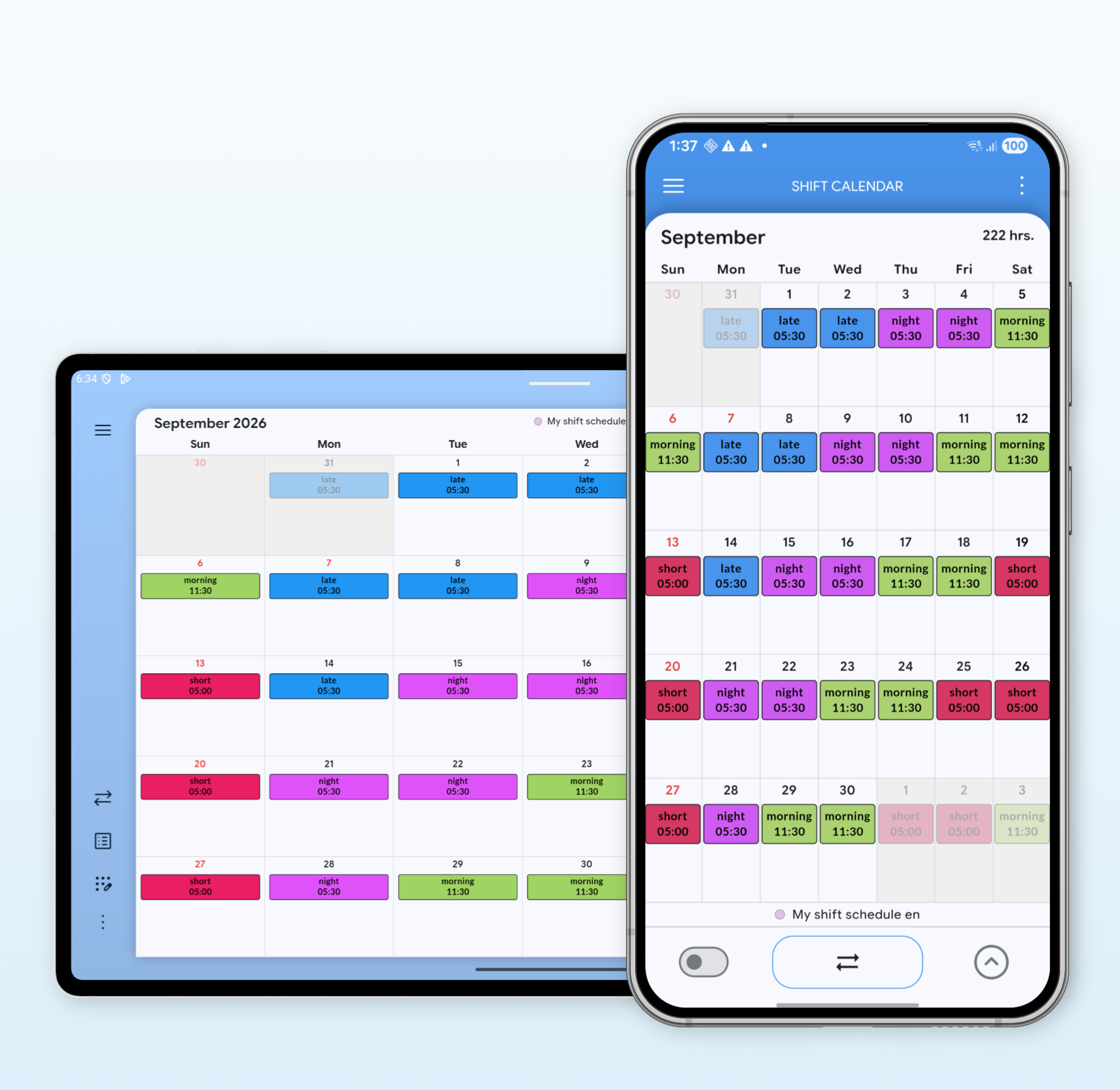
Keep your Megashift data synchronized and backed up across supported devices.
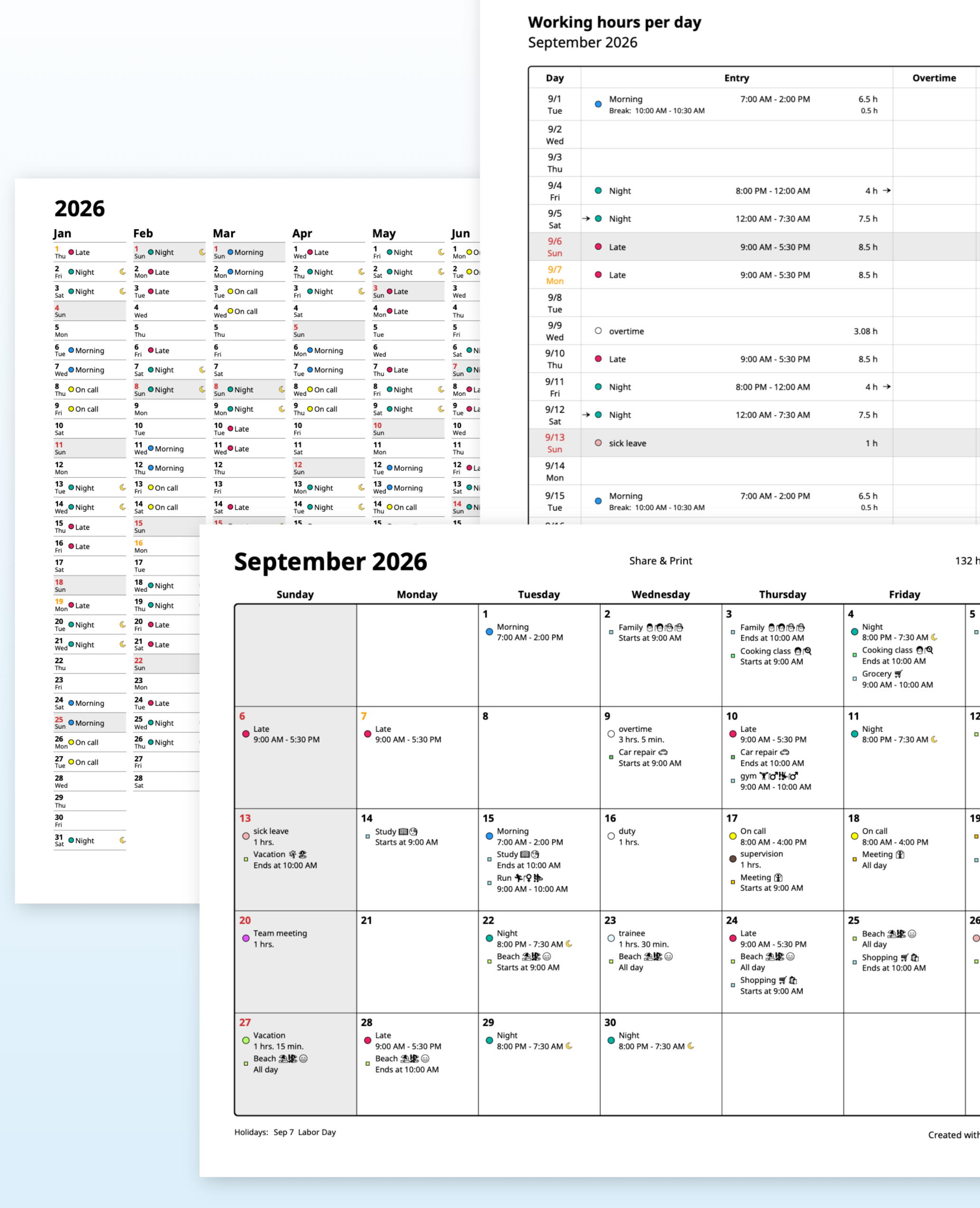
Create PDF views of schedules and reports so you can save, share or print them.
04 / WORK MEETS LIFE
With permission, Megashift can show appointments from calendars available through Android or iOS. The integration uses your device calendar system rather than the Google Calendar API.
Calendar integration is an optional PRO feature. Calendar availability depends on your device and calendar accounts.
Megashift is designed for people with changing, rotating or irregular work schedules, including early, late, night and off days.
Yes. Megashift is free to download. Optional paid entitlements unlock additional features such as ongoing Cloud Sync & Backup, PDF sharing/printing and device-calendar integration.
No. Calendar appointments are accessed through the calendar interfaces provided by Android or iOS when you grant permission.
No. They are planning and estimation tools based on the data and rules you enter. Always compare important values with the relevant official source.

YOUR NEXT SHIFT. SORTED.
Your work calendar is a download away.